
Get updates

Illustrative scenarios, not case studies

What this actually looks like across different jobs

These scenarios are composites built to illustrate common patterns. They describe how tasks typically unfold, not a specific client engagement or verified outcome.

Wide shot of a modern open-plan office with several professionals working at laptops near floor-to-ceiling windows overlooking a city skyline
Finance professional in her late twenties reviewing a spreadsheet on a large monitor with an AI chat panel open alongside it

Finance and accounting

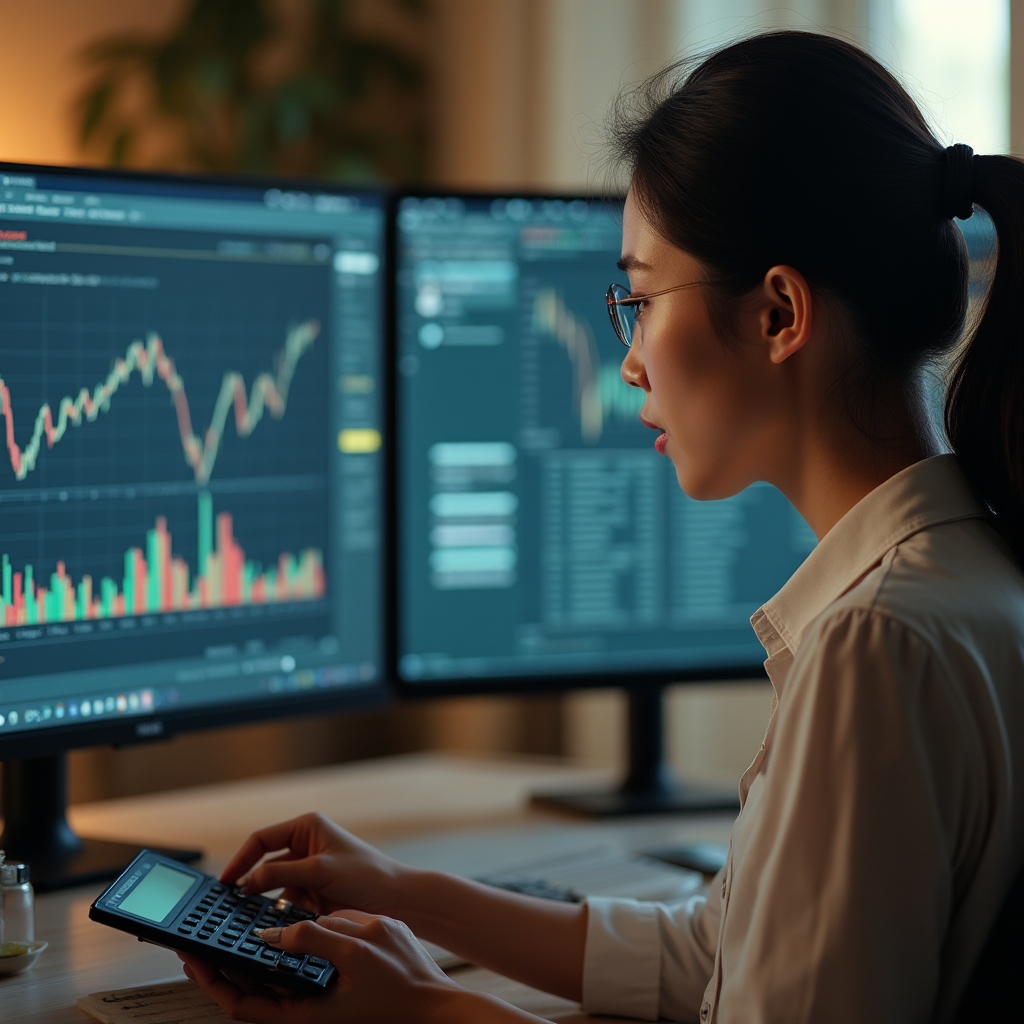
A bookkeeper drafts explanatory notes for a variance report using an AI tool, feeding it the already-calculated figures rather than asking it to calculate anything itself. The tool restructures rough notes into client-ready language in minutes.

What worked

Turning a bullet list of figures into a coherent paragraph, saving a genuine chunk of drafting time before the report went to review.

What still needed a human

Every number in the draft was checked against the source ledger before the report left the building. The tool was never asked to calculate anything itself.


Legal professional in his early thirties reading a printed contract with a laptop open beside him showing an AI summary of clauses

Legal and conveyancing

A paralegal uses an AI tool to produce a first-pass plain-language summary of a lengthy lease agreement, ahead of a client meeting, without including any client-identifying detail in the prompt.

What worked

A faster first draft of a summary that would otherwise take much longer to write from scratch, freeing time for the substantive legal review.

What still needed a human

A qualified reviewer checked every clause reference against the original document. Confidentiality obligations meant the client's name and address were never entered into the prompt.

Marketing team of two colleagues collaborating around a laptop displaying draft social media copy generated with AI assistance

Marketing and communications

A small internal comms team uses an AI tool to generate several variations of an internal newsletter intro, then edits the strongest option to match established brand tone.

What worked

Producing several angles quickly, avoiding the blank-page problem that usually slows first drafts down.

What still needed a human

The initial drafts read generically and needed a substantial edit pass before they sounded like the organisation rather than a template.

Local council administration team of three colleagues discussing a printed correspondence policy document in a council office meeting room

Council and public sector admin

A council administration officer drafts a template response to a common ratepayer enquiry using an AI tool, with no resident details included in the prompt itself.

What worked

A consistent, plain-language starting template that reduced drafting time for a high-volume, repetitive enquiry type.

What still needed a human

The template still required sign-off against council policy and public records obligations before it could be reused across multiple ratepayer responses.

Want to understand the mechanics behind these examples?

Read the first post for the underlying explanation of how these tools actually work.

Read the first post